

How to Create Glitch Screen Effects in After Effects
Glitch effects remain a staple in digital content creation, adding a dynamic, eye-catching element to videos. Whether used in transitions, titles, or overlays, these effects can enhance visual storytelling with a futuristic or distorted aesthetic. The best part? In After…
How to Split Audio in Premiere Pro (3 Simple Steps)
Need to trim or separate audio in Premiere Pro but not sure how? Whether you’re editing a podcast, cleaning up dialogue, or syncing music to video, splitting audio is a fundamental skill that makes your workflow smoother. The best part?…
How to Create Blurry Text Effects in After Effects (With Free Templates)
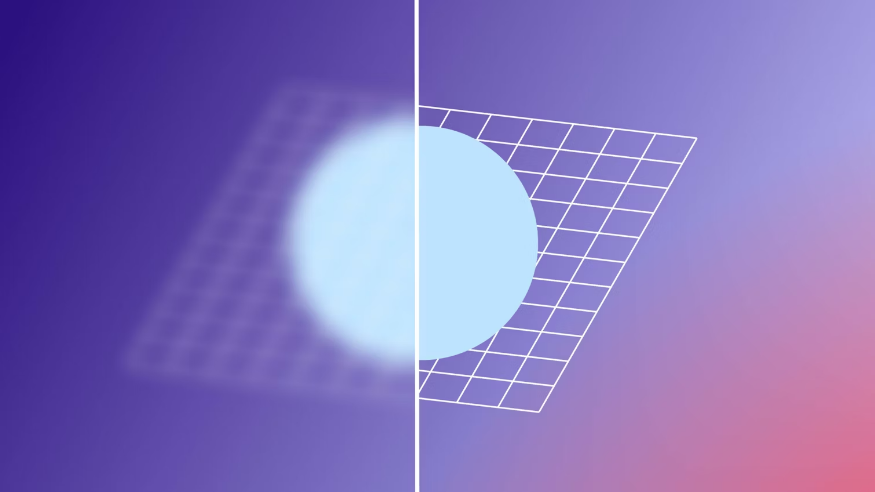
Blur effects are a sleek and simple way to enhance title transitions, graphics, and video clips in After Effects. With multiple blur options available, you can easily create professional, cinematic text animations. In this guide, we’ll walk you through different…
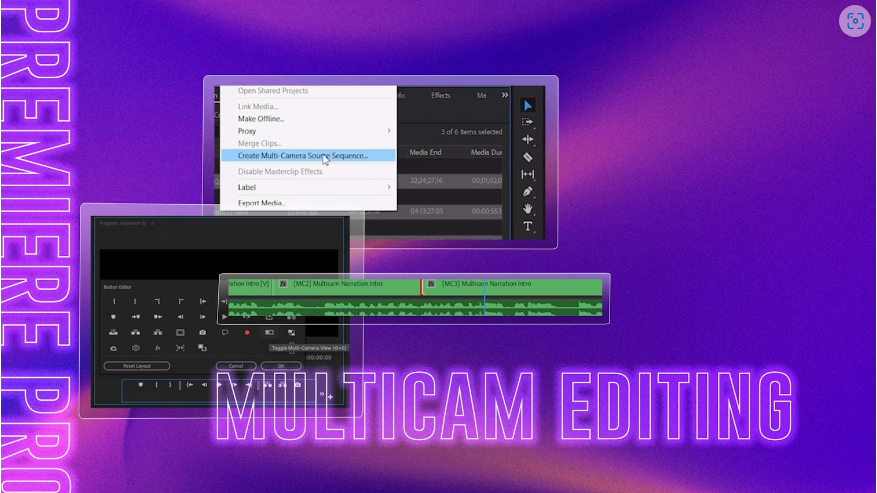
Premiere Pro Multicam Editing Made Simple: A Step-by-Step Guide
Multi-camera editing might seem intimidating at first, especially if you’re used to traditional single-camera workflows. But with Premiere Pro’s Multicam feature, it’s actually a breeze! By the end of this guide, you’ll know how to set up, edit, and fine-tune…
10 Effective Ways to Fix Laggy Playback in After Effects
Is your After Effects playback choppy or slow? Lag can ruin your workflow, causing stuttering video, out-of-sync audio, or frustrating frame-by-frame previews. The good news? You don’t have to put up with it. Whether your lag stems from hardware limitations,…
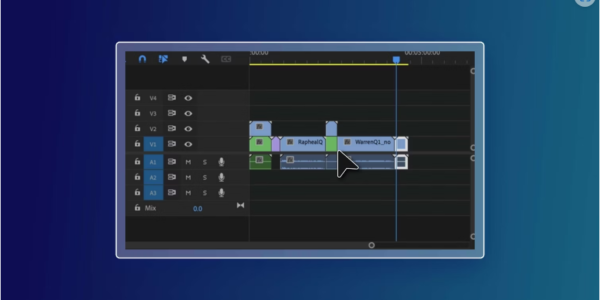
How to Use Nesting in Premiere Pro for Better Timeline Organization
Nesting in Adobe Premiere Pro is a powerful yet simple tool that every video editor should master. Whether you’re streamlining complex timelines or applying effects efficiently, nesting helps keep your projects organized. In this guide, we’ll cover everything from the…
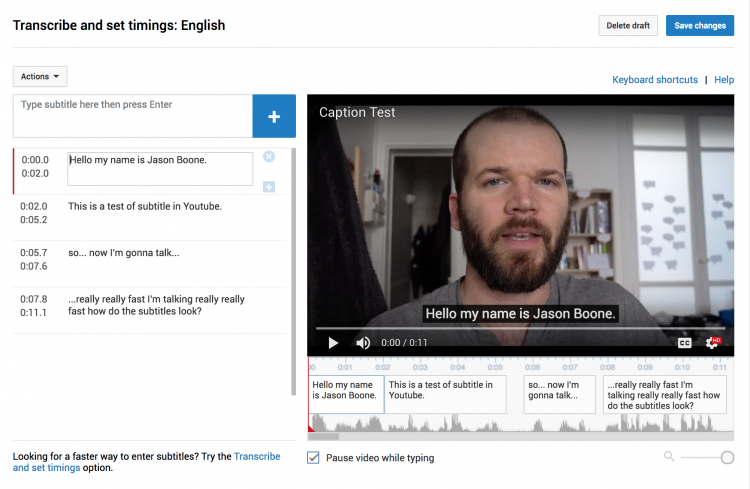
Export YouTube-Ready Subtitles Directly from Premiere Pro
Streamline your workflow and expand your YouTube audience by exporting Youtube subtitles straight from your Premiere Pro project. Cover image via Shutterstock. Adding subtitles to your Youtube videos can help you significantly increase your video’s reach. There are a variety of different…
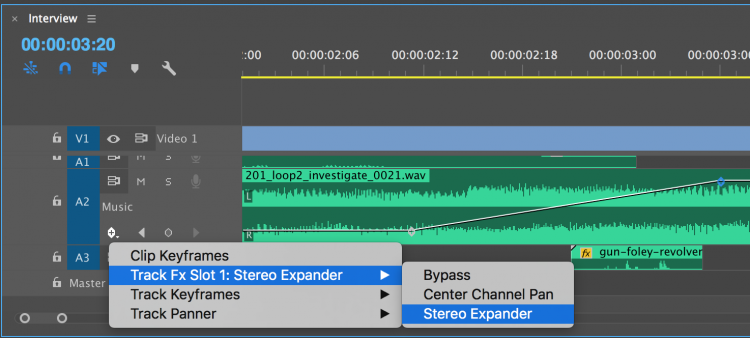
Improve Your Edits with Better Audio in Premiere Pro
Every videographer will need to work with track effects at some point. Here’s what you need to know about working with these effects in Premiere Pro. Cover image via Shutterstock. You have a lot of flexibility when working with audio…

Create Master Text Styles in Premiere Pro’s Essential Graphics Panel
The Essential Graphics panel in Adobe Premiere Pro offers a drastically different workflow from the original Title Tool panel. See how easy it is to create repeating titles and graphics. Top image via Shutterstock. Working with text in Adobe Premiere Pro…