How to Export Your Video from Adobe Premiere Pro (3 Simple Steps)
Ready to share your finished video? Exporting from Adobe Premiere Pro is easier than ever, especially with the latest layout. You can go from your timeline to a finalized video in just a few clicks. Follow these three simple steps…
How to Make Cuts in Adobe Premiere Pro (3 Simple Methods)
Learning how to cut clips is one of the first and most essential skills you’ll need in Adobe Premiere Pro. Whether you’re removing unwanted sections or breaking a long clip into parts, making clean cuts will speed up your entire…
How to Add Music to Your Premiere Pro Project (3 Easy Steps)
Looking to add music to your Premiere Pro project? You’re in good company. From vlogs and short films to promotional content, the right soundtrack can elevate your video and capture your audience’s attention. The best part? Adding audio in Premiere…
How to Remove a Background in Adobe Premiere Pro (3 Simple Steps)
Need to remove a solid-colored background from your video? Whether you’ve shot with a green screen or a plain black or white backdrop, Premiere Pro includes a powerful built-in tool that makes the process much simpler than you might expect….
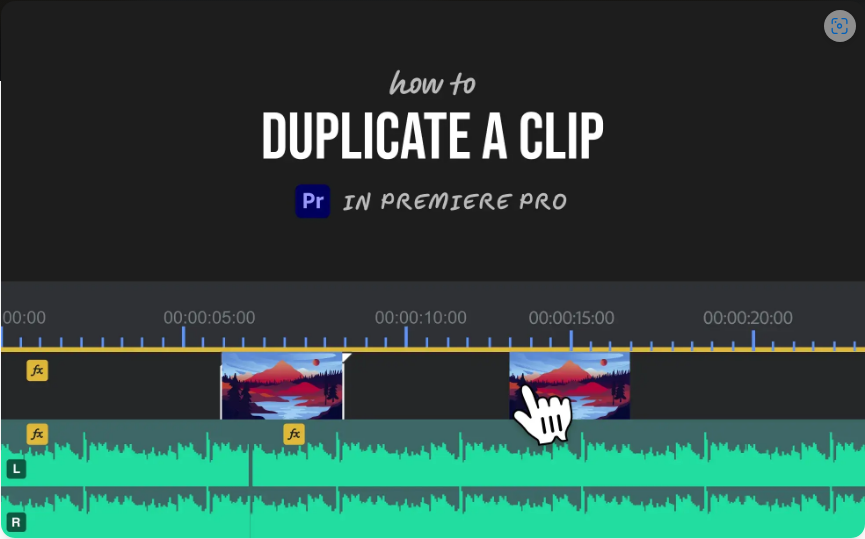
How to Duplicate a Clip in Premiere Pro (2 Quick Methods)
Need to reuse a clip in Premiere Pro? Whether you’re creating a montage, extending a scene, or reusing a section of your edit, duplicating clips is a fundamental skill every editor should know. The good news? It’s incredibly simple once…
How to Add Captions in Adobe Premiere Pro (5 Easy Steps)
Adding captions to your videos in Adobe Premiere Pro is a breeze—whether you’re improving accessibility or just making your content clearer. The best part? You don’t need third-party plugins or extra software. Premiere Pro has all the tools built in….
How to Render in Premiere Pro (3 Simple Steps)
If your Premiere Pro timeline stutters, lags, or doesn’t display effects properly, rendering is the solution. Rendering creates temporary preview files for smoother playback while editing and ensures a clean final export. Let’s break it down into two key scenarios:…
3 Easy Ways to Speed Up Video in Premiere Pro
Need to make a clip play faster in Premiere Pro? Whether you’re creating a timelapse, trimming slow sections, or just want a more dynamic pace, speeding up footage is quick and easy once you know the right tools. Below, I’ll…
How to Use Masks in Adobe Premiere Pro (Easy Step-by-Step Tutorial)
Want to blur a face, highlight an object, or create that cool “video inside text” effect? Masking in Premiere Pro is the key. While it might seem tricky at first, it’s actually pretty straightforward once you get the basics down….
